I will keep this concise but specific.
AIBO Introduction
AIBO was a teacher centered academic operations platform. Our target users were university, college and coaching teachers who have to manage everything around a classroom such as attendance, schedules, study materials, notices and communication.
A teacher is the center of the entire teaching workflow. If they forget something or miss an important task, the whole classroom operation gets affected.
There were already many tools available.
- Google Classroom for classroom management
- Excel or spreadsheets for attendance and marks
- WhatsApp or Telegram for communication
- Calendar apps for schedules
The problem was that teachers had to constantly switch between different applications. For someone handling multiple courses, classrooms and hundreds of students, this looked unnecessarily complicated.
Our hypothesis was simple.
What if teachers had one dedicated application where everything related to teaching existed in one place?
That became AIBO.
What AIBO Was Offering
Before building, we classified what we believed were the core needs of a teacher.
- Teachers need reminders for upcoming classes and events.
- Teachers should be able to take attendance quickly.
- Teachers should be able to post notices and study materials.
- Teachers should always have context about previous and upcoming classes.
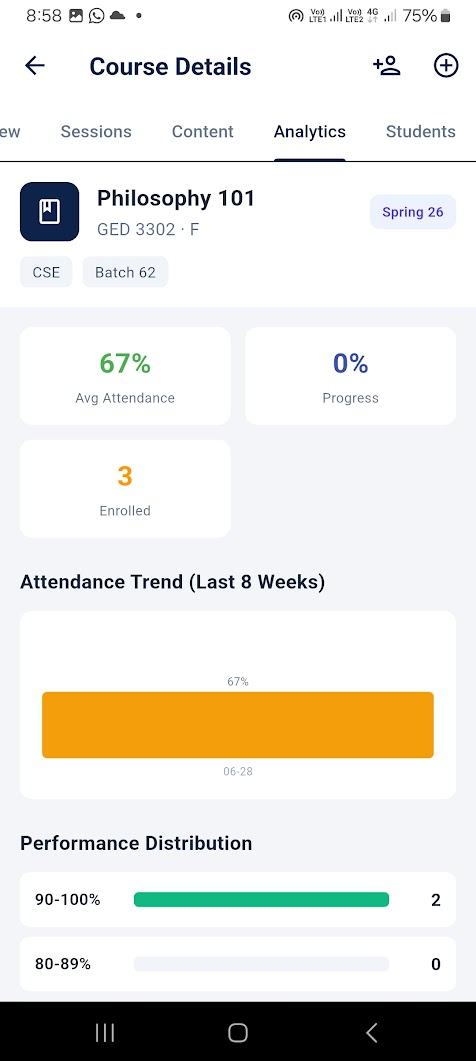
- Teachers should have visibility into classroom data if something starts going wrong.
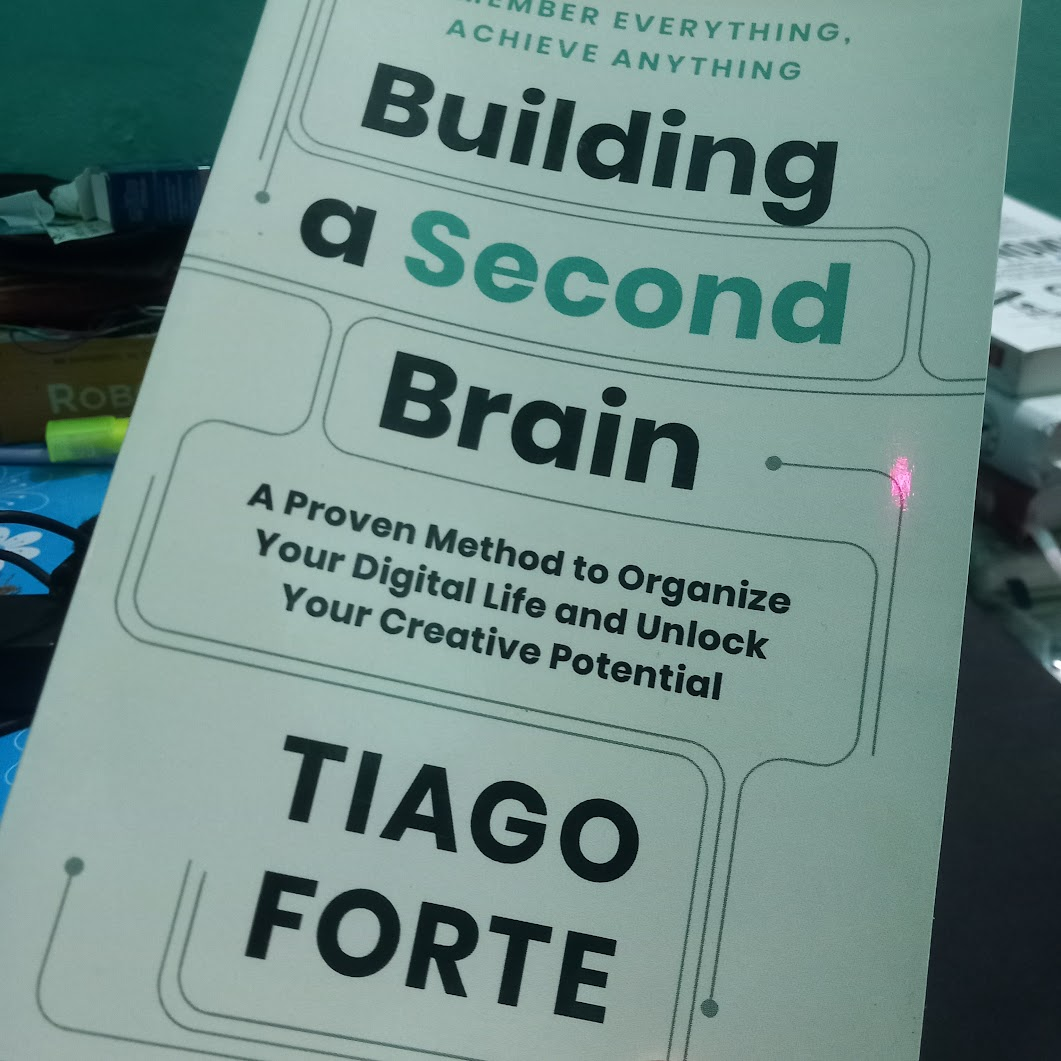
- The overall experience should feel like a second brain. Open the app, take action, close it and move on without keeping everything in memory.
Based on those assumptions, we built the platform around teacher operations.
Semester Planning
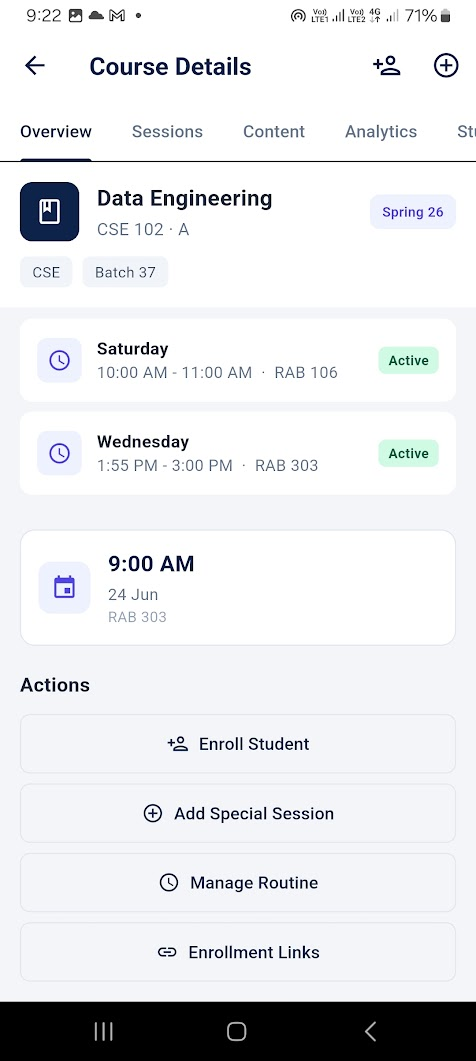
Teachers could import or manually create their semester schedule.
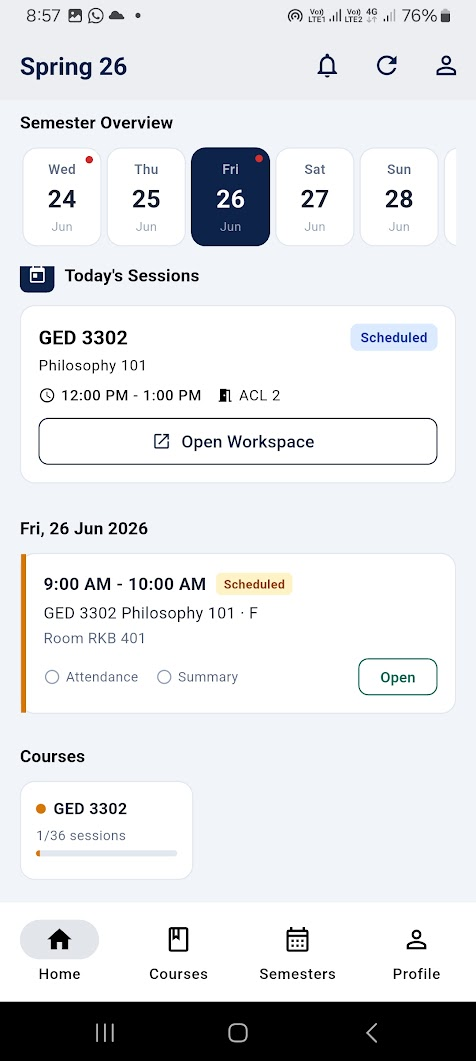
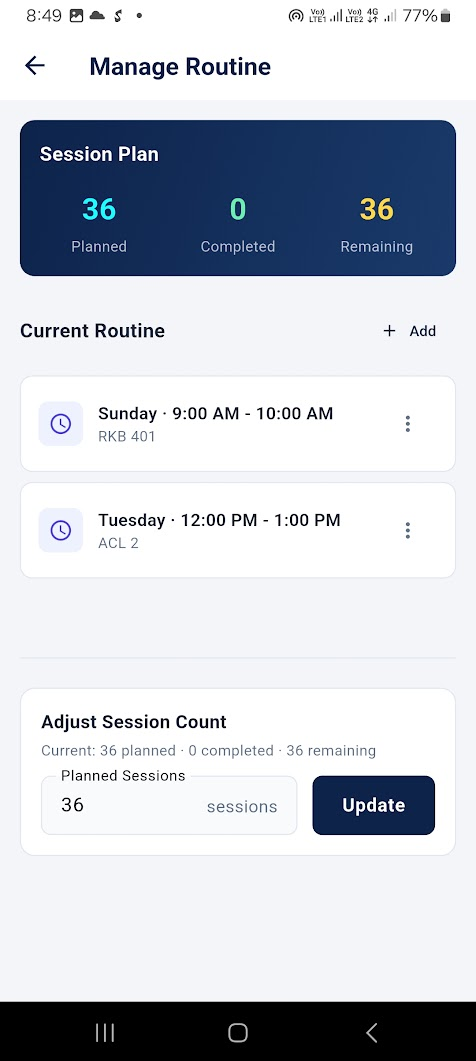
AIBO stored information such as course code, classroom, class time and semester structure. From that information it automatically generated all future class sessions.
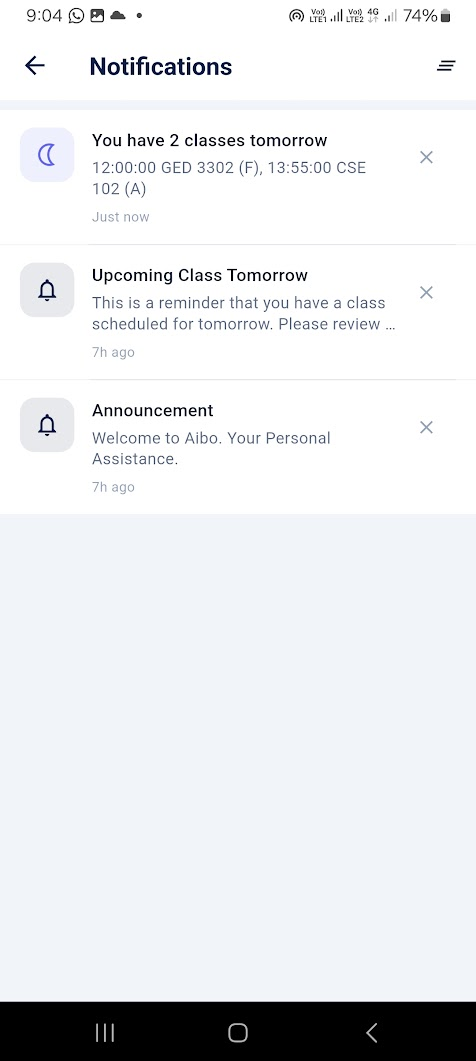
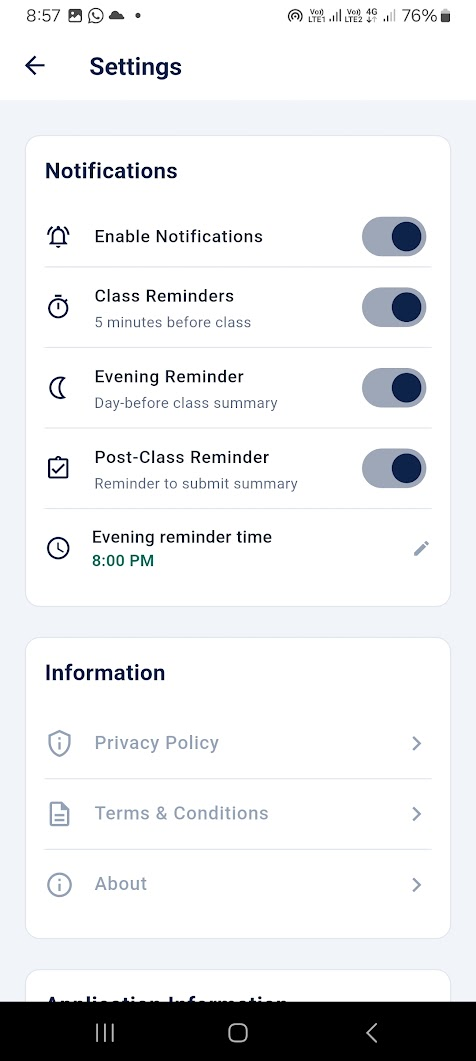
We also built background jobs and notification queues that reminded teachers one day before and five minutes before every class based on their preferences.
Google Classroom Integration
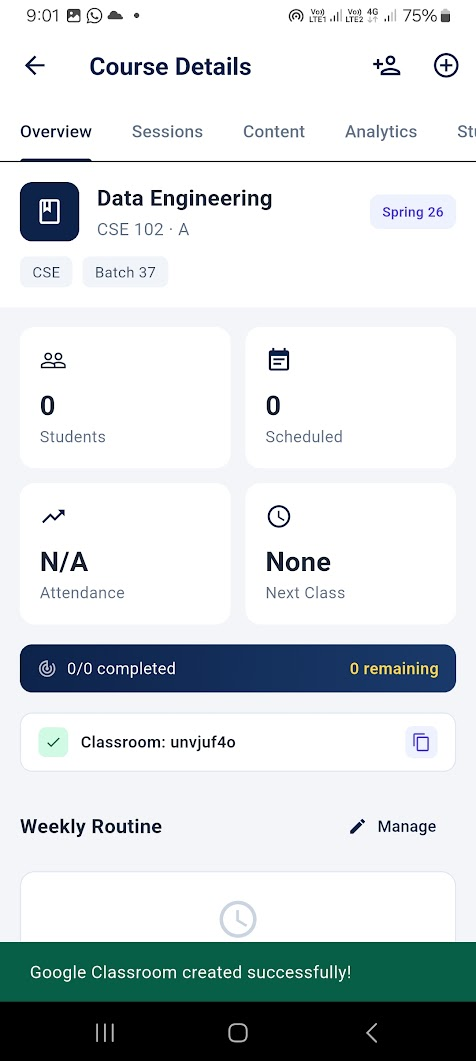
Teachers could connect Google Classroom with each course.
Without leaving AIBO they could:
- Create a classroom
- Retrieve classroom codes
- Publish announcements
- Share materials
The goal was to remove the need to repeatedly open Google Classroom.
Attendance
For the MVP we intentionally kept attendance simple.
Students could be added:
- Manually
- Through bulk import
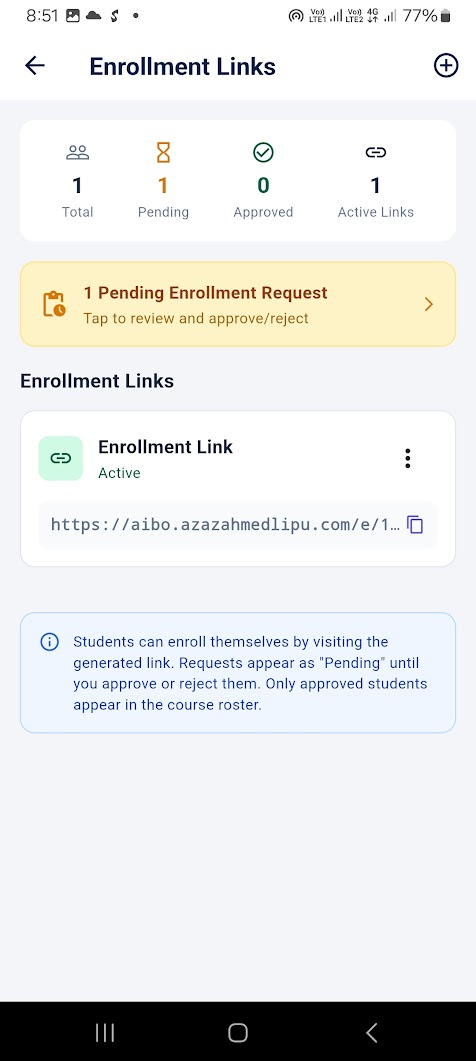
- Through a shared enrollment link
We deliberately postponed exams and result management because we wanted to validate the core idea first.
Why We Never Launched
Before releasing AIBO publicly we spent time discussing the product with teachers and observing how they currently work.
The response was not what we expected.
Most senior teachers had very little interest in replacing their existing workflow.
They were already comfortable using paper, WhatsApp and occasionally Google Classroom.
The biggest competitor was not another application.
It was habit.
We observed a similar pattern across multiple teachers.
Even if the workflow was fragmented, they had already adapted to it. Switching to another platform did not feel valuable enough.
Another important realization was about student analytics.
Originally AIBO had two major pillars.
- Academic operations
- Reports and analytics
Our assumption was that teachers wanted better visibility into student performance.
That assumption turned out to be weak.
Unlike K-12 education, university teachers generally do not continuously monitor struggling students. Unless they are officially mentoring someone, students are expected to manage their own academic progress.
As a result, much of the reporting functionality had very little perceived value.
The operations side was more interesting.
We made schedule importing extremely simple. One of our future plans was to use AI to normalize almost any timetable automatically so teachers could simply upload a file and everything would be configured.
Technically it worked.
Productwise it still wasn't enough.
The application solved many small inconveniences instead of one major problem.
Because AIBO tried to handle everything, several teachers perceived it as a large system instead of a lightweight productivity tool.
Assumptions vs Reality
| Assumption | Result |
|---|---|
| Teachers want everything in one application | Weak evidence |
| Teachers struggle with day-to-day operations | Mixed |
| Teachers write lecture summaries | False |
| Teachers actively monitor weak students | False |
| Attendance is a major pain point | Unclear |
| Google Classroom integration is a strong differentiator | Helpful but not enough to drive adoption |
Learnings
The biggest lesson was that building a platform is not the same as building a product.
Looking back, I realized I had built the infrastructure before validating whether the core value proposition was compelling enough.
Some of the most important lessons were:
- University teachers behave very differently from K-12 teachers.
- Habit can be a stronger competitor than software.
- Convenience alone is rarely enough to change user behavior.
- A platform without a strong entry point is difficult to adopt.
- Building infrastructure before validating the wedge is risky.
I still believe the engineering work has value.
The architecture, integrations and workflow engine can support future ideas.
What changed was not my confidence in the technology.
It was my confidence in the original hypothesis.
Product Showcase
Although AIBO never launched publicly, the MVP and core infrastructure were fully implemented.
Some screenshots from the application:
The Books inspired me:
 A complete setup account looks like:
 Precomputation of class sessions:
 Notifications:
 Single Course:
 Classroom creation in Google classroom:
 Attendance Report:
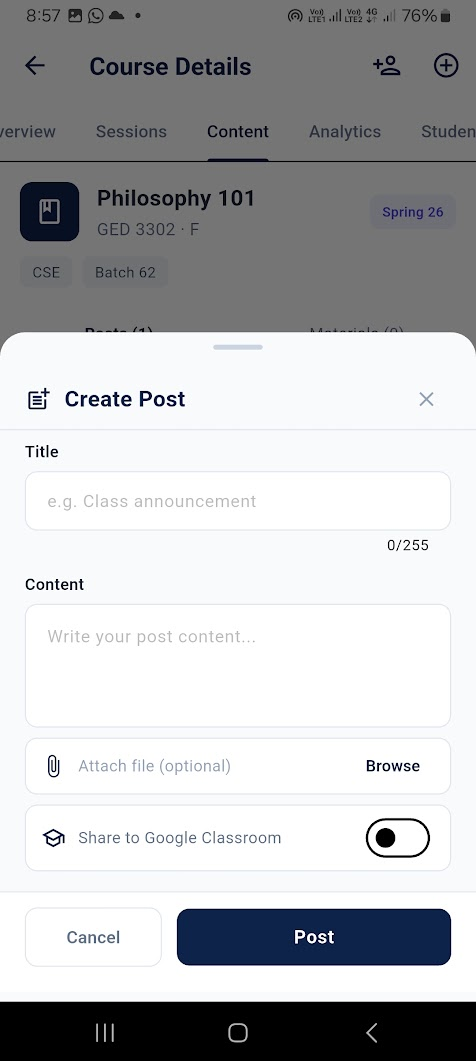
 Posting material or notice or update:
 Customize Settings:
 Creating Student enroll link: